
12345PX
Pick, reject, and rate at the speed of a key.
A number or a letter is all it takes to rate, sort, or flag a photo. RAW and JPEG pairs are recognised and shown as one. Your whole library, fast and clear.

The free, professional photo editor, made for the Mac.
Sort a whole shoot, or fine-tune the light and colour of a single frame — it all happens in Lucarne. AI noise reduction, enlarging, removal, cropping, rotating: everything you need is here.

Library
Import your folders, and your photos stay right where they are. The library lays out every picture whole, at its own proportions.
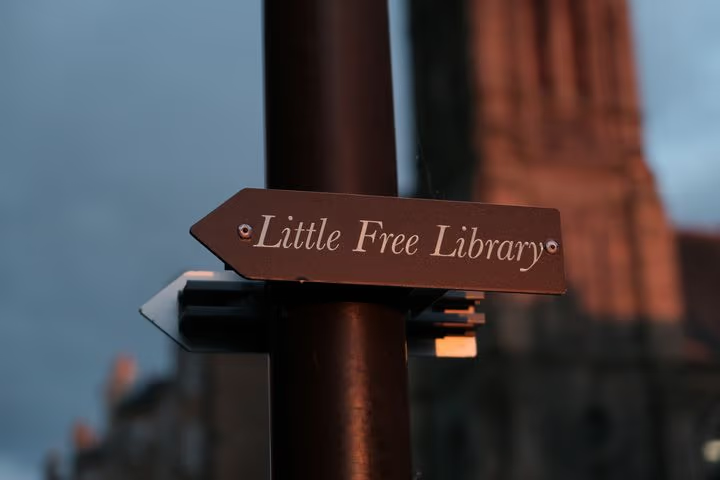
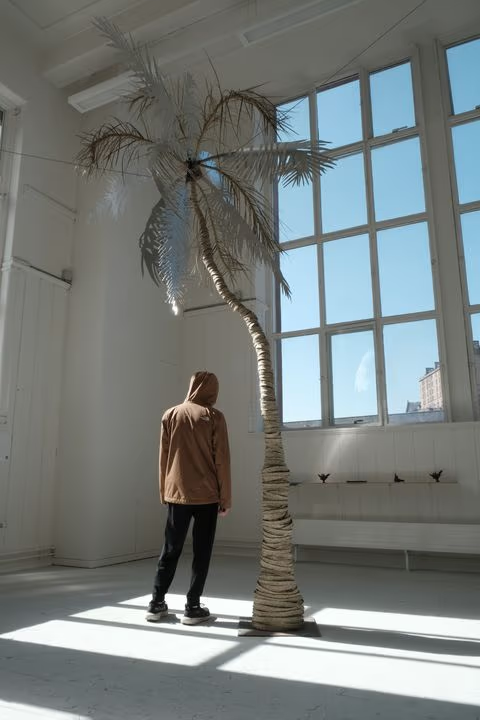
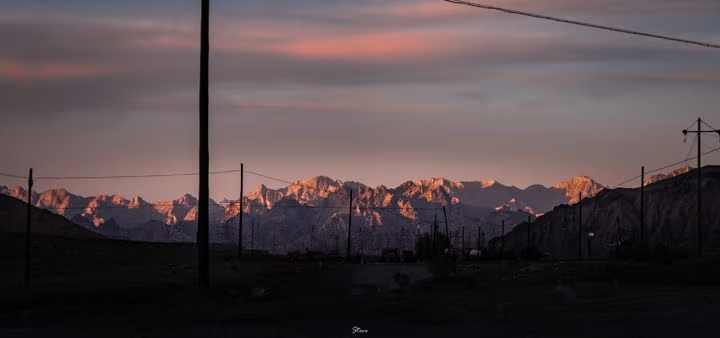
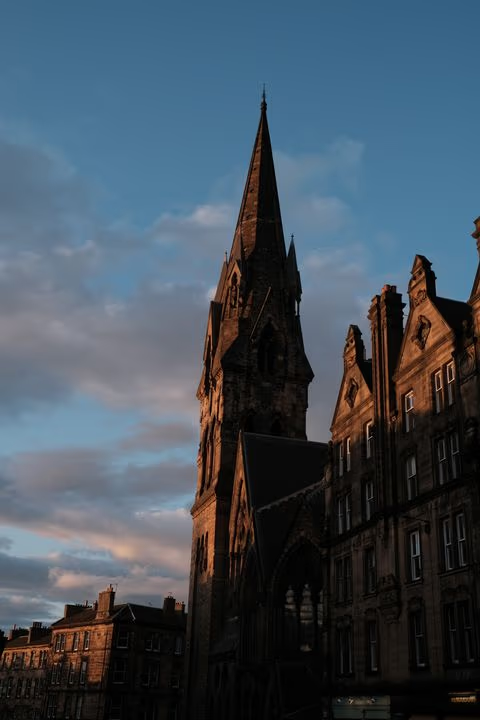
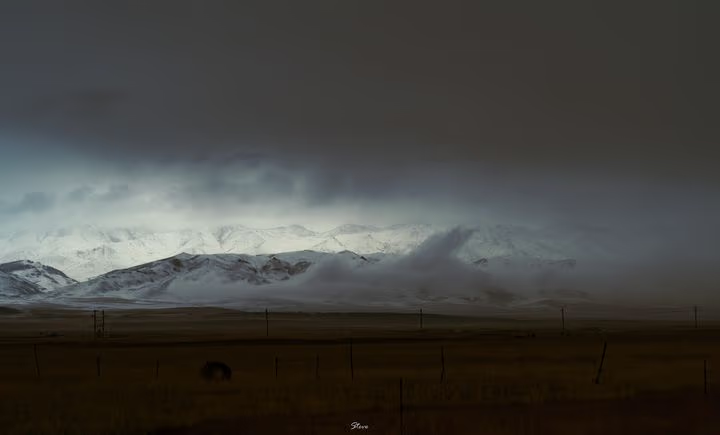
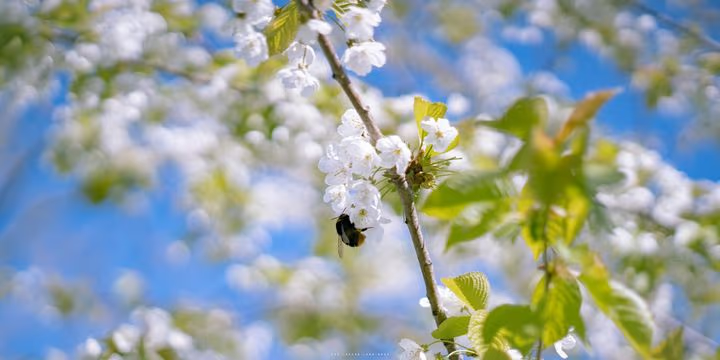
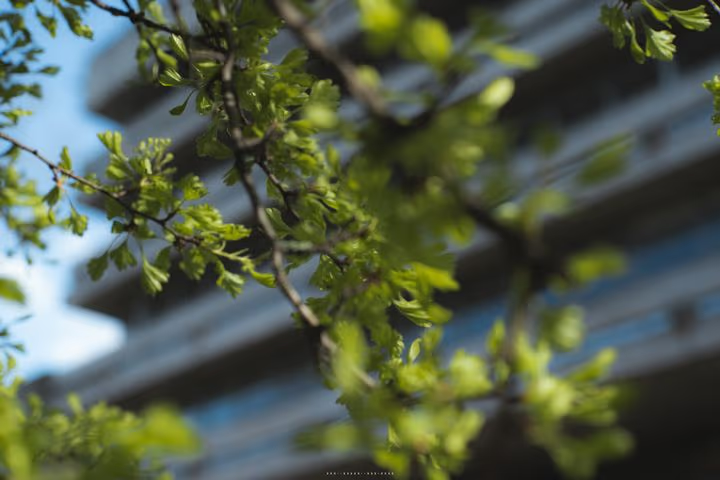
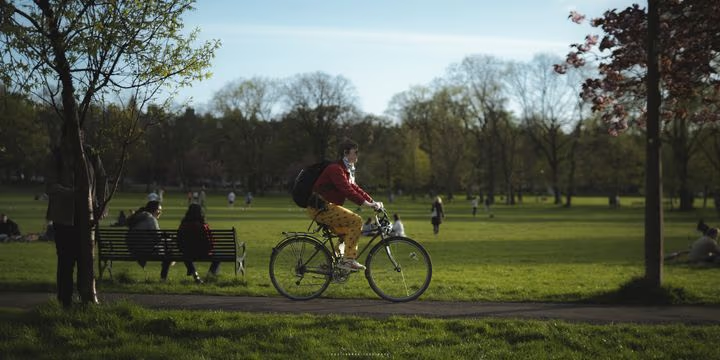
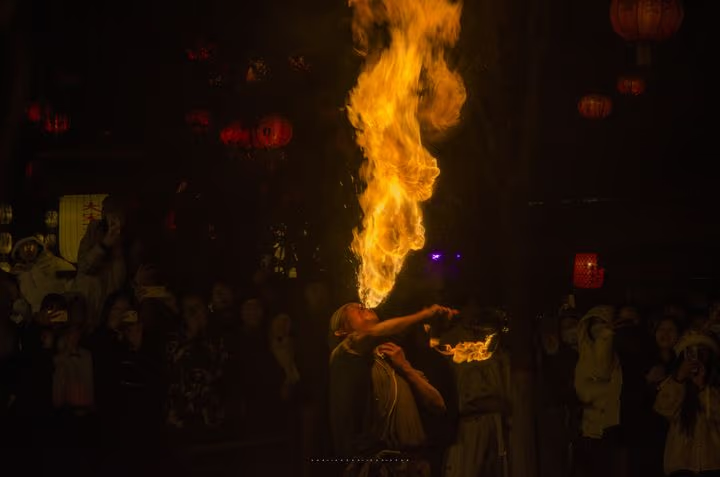
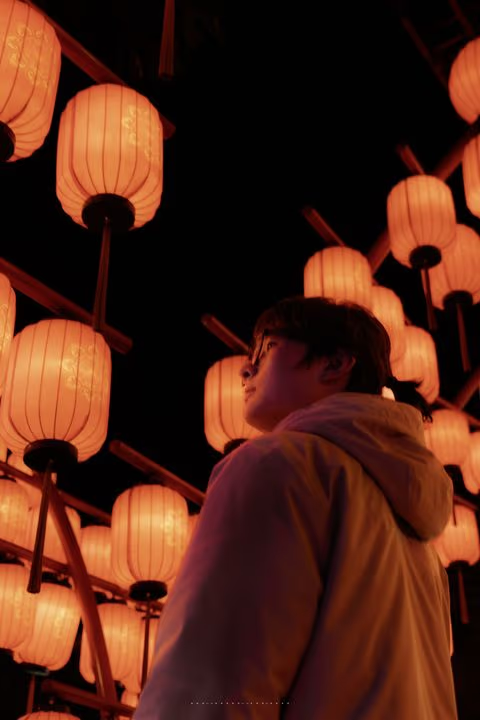
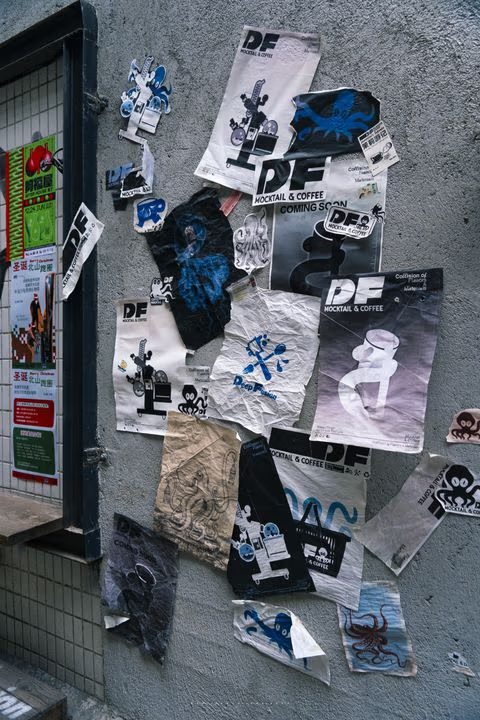
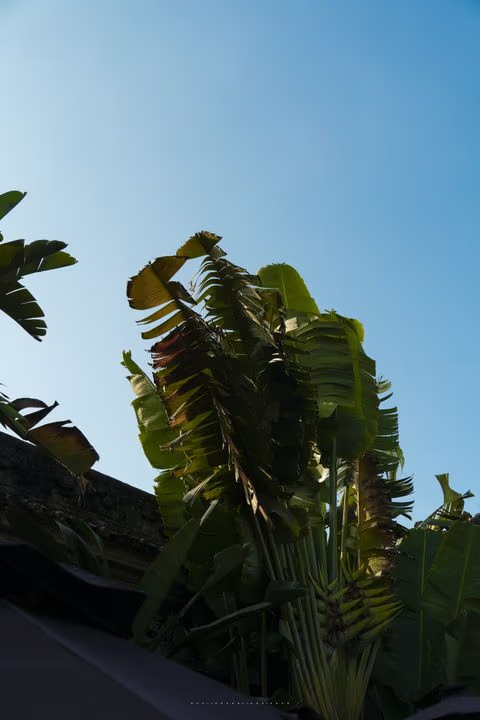
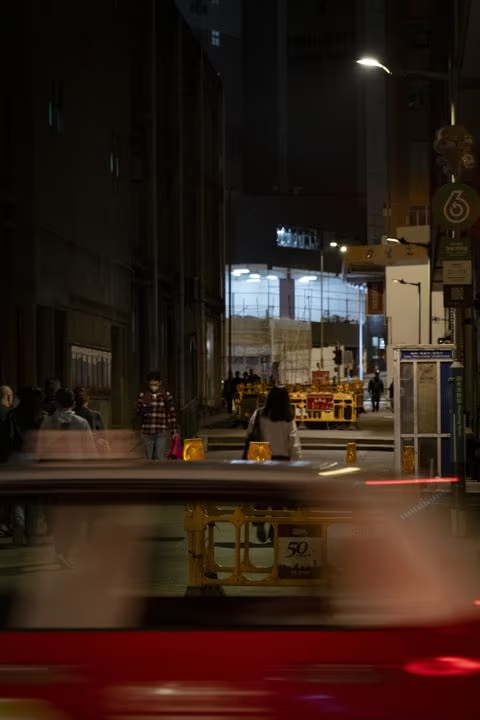
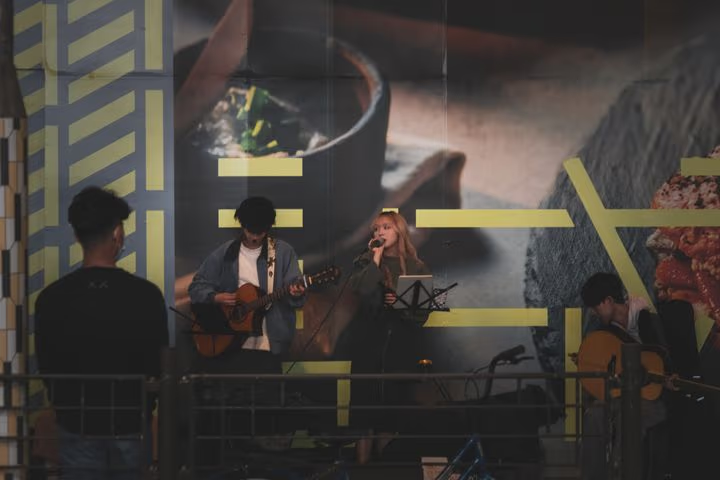
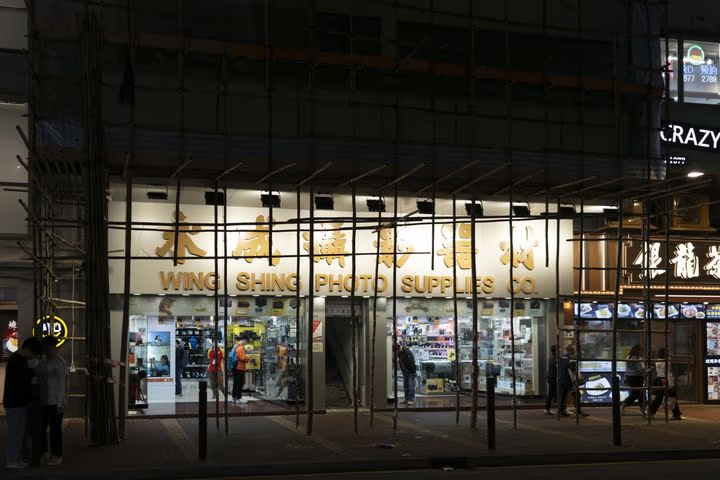
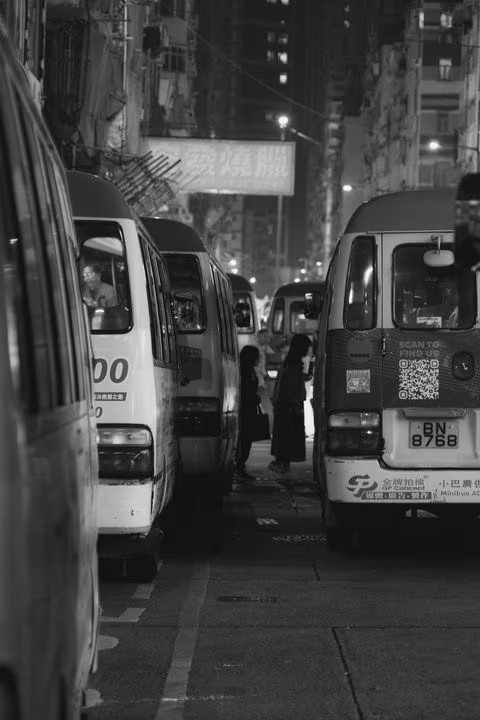
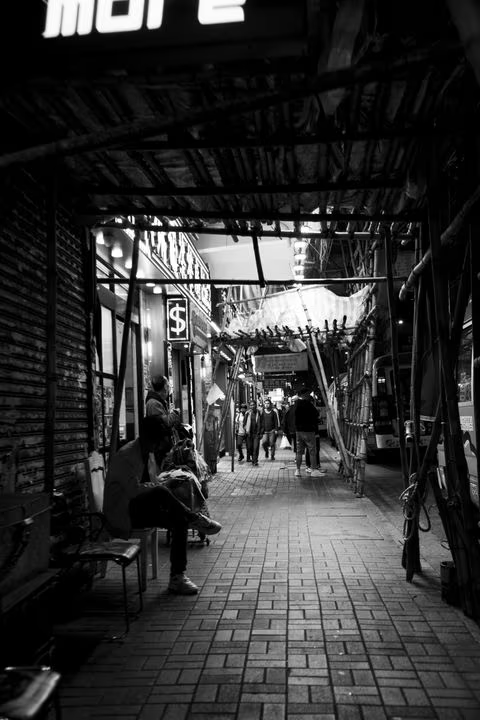
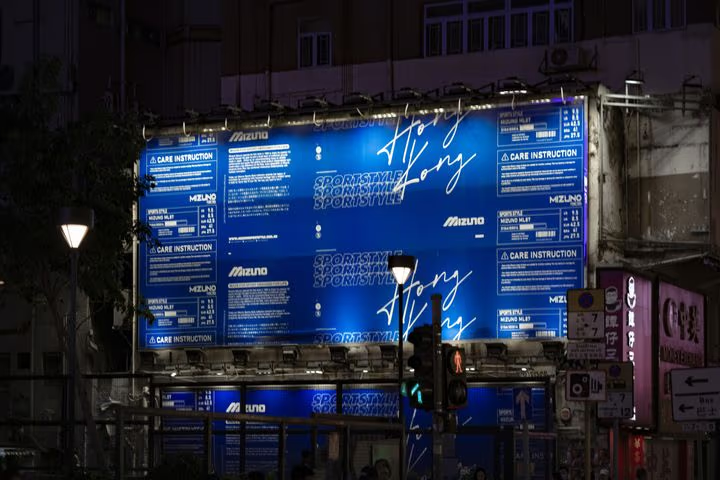
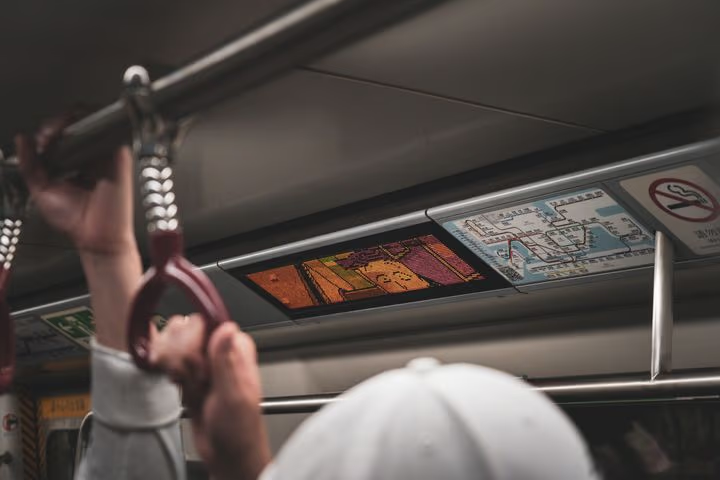
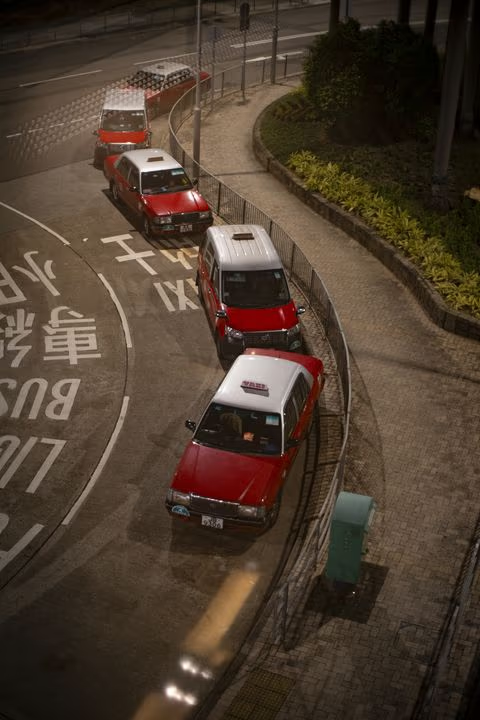
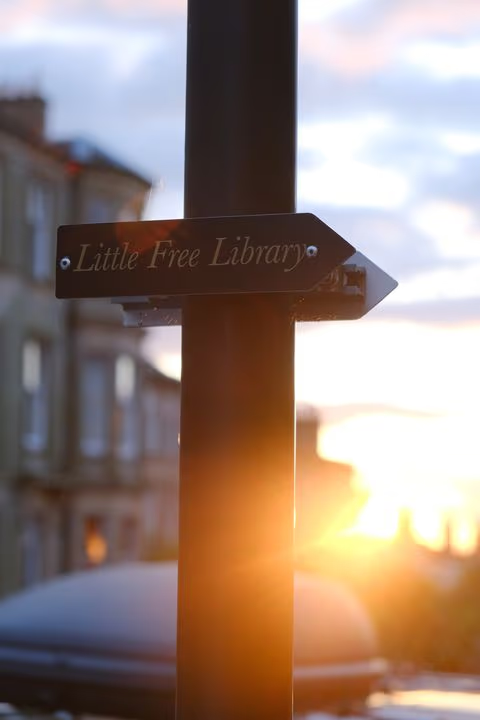
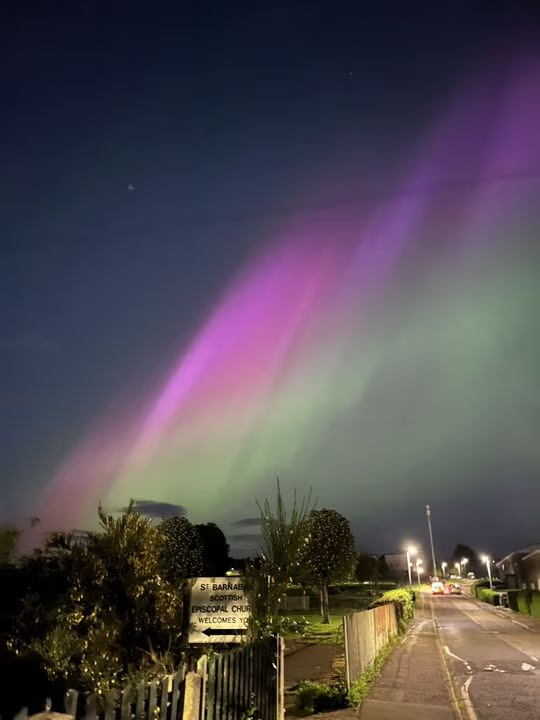
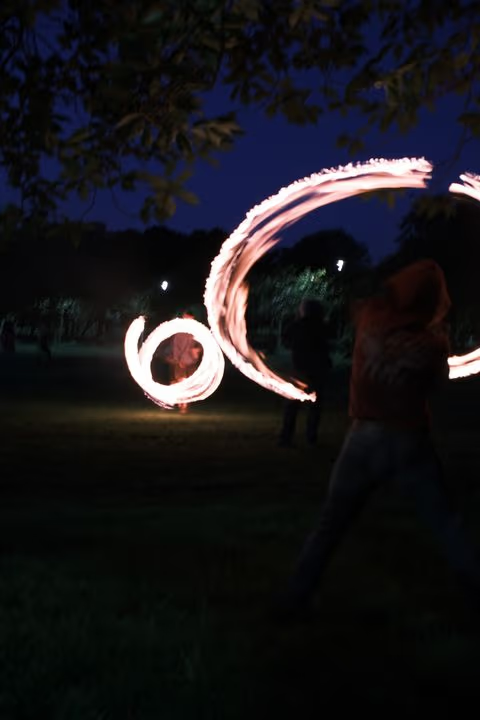
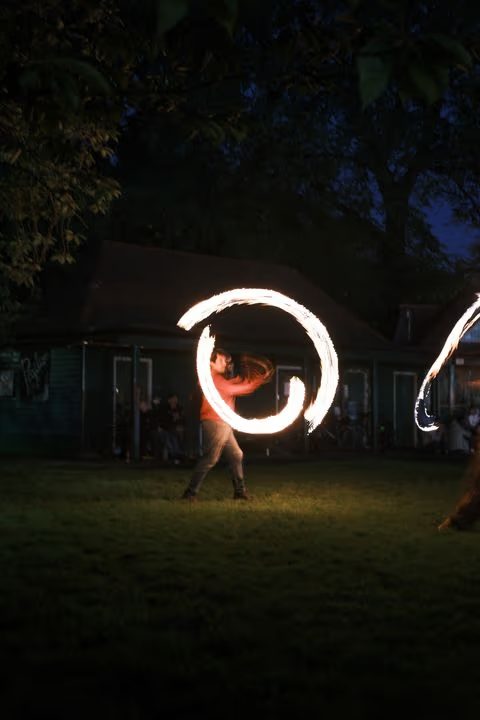
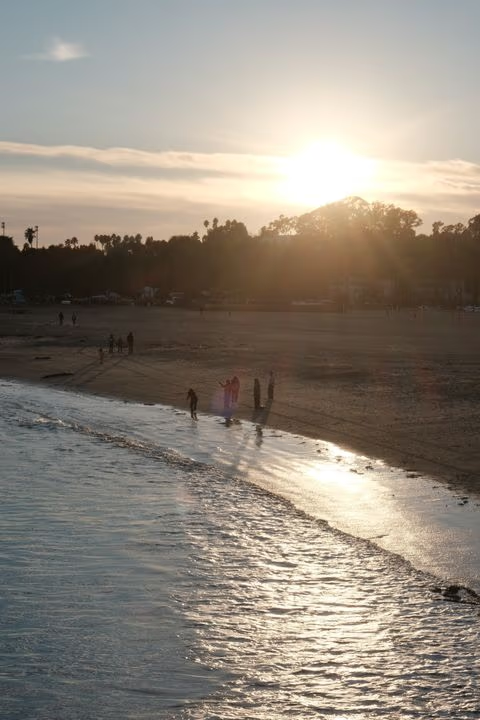
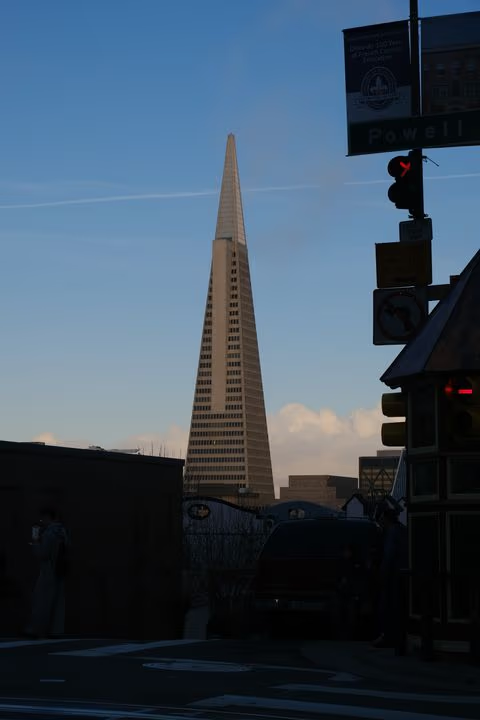
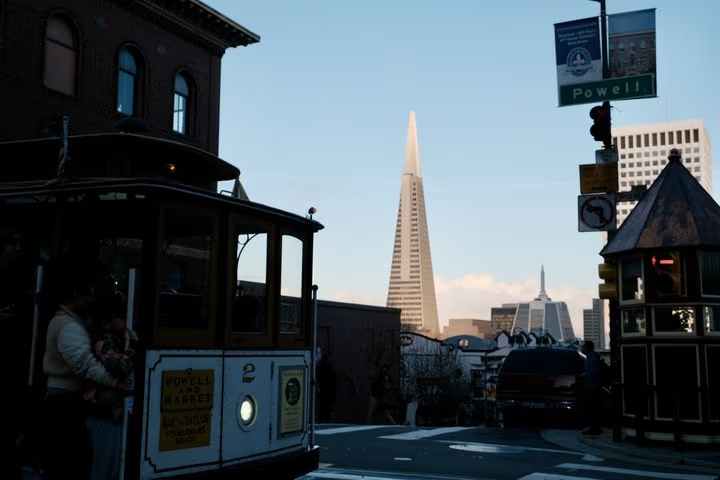
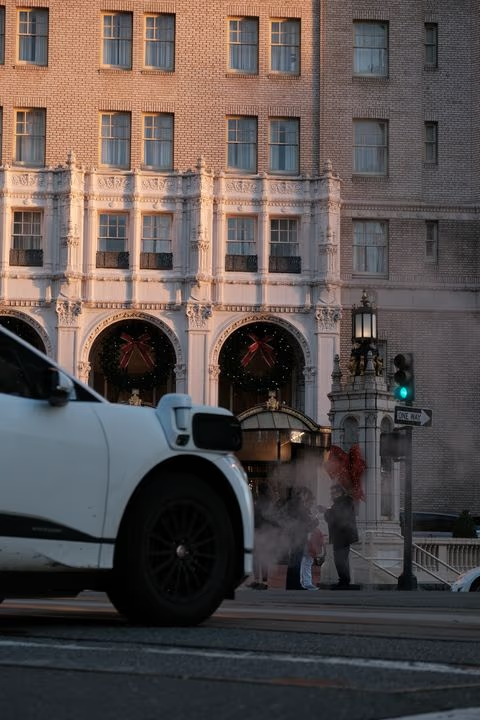
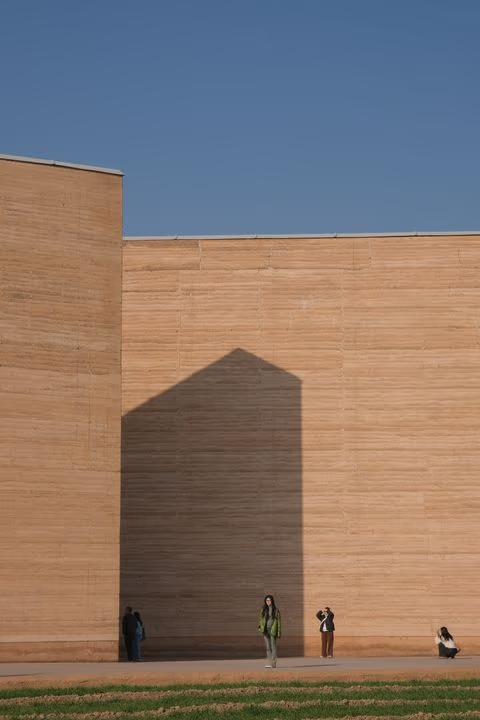
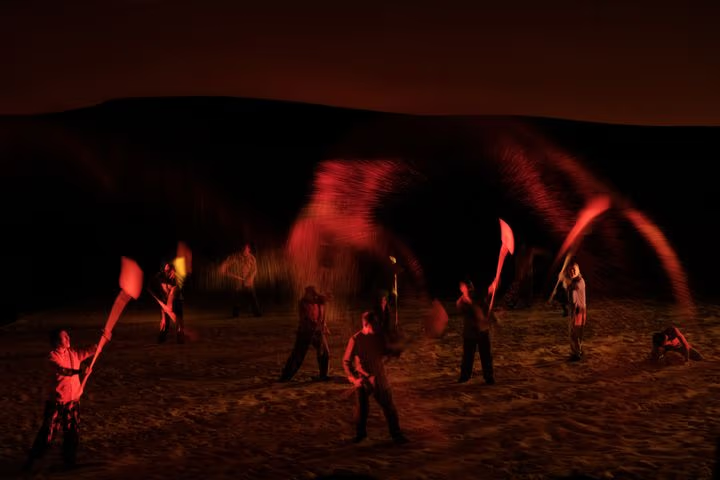
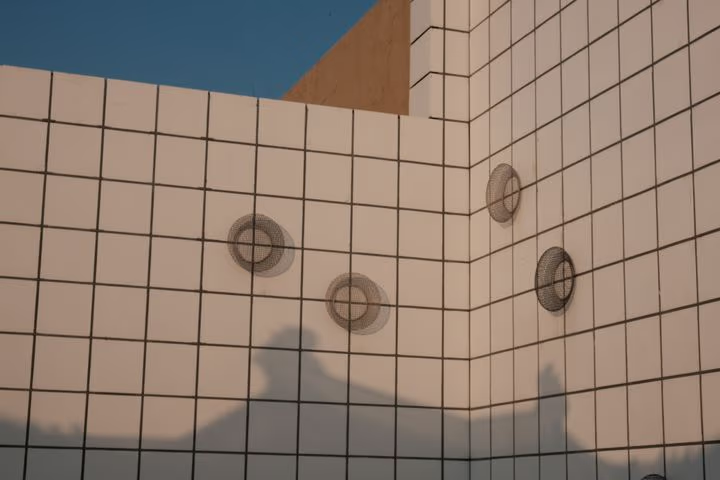
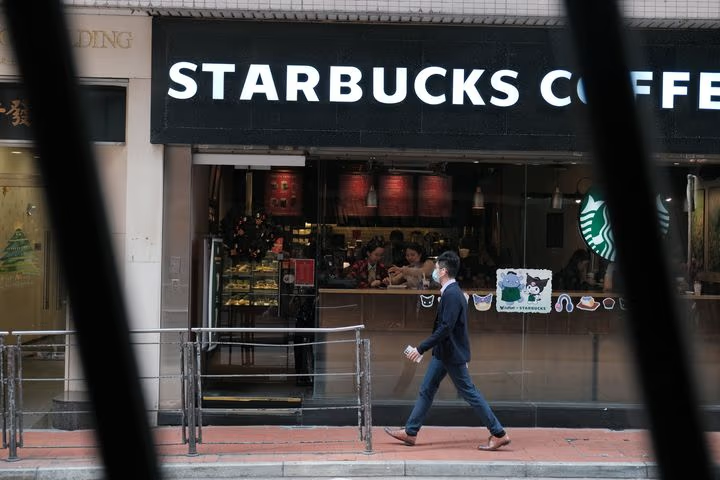
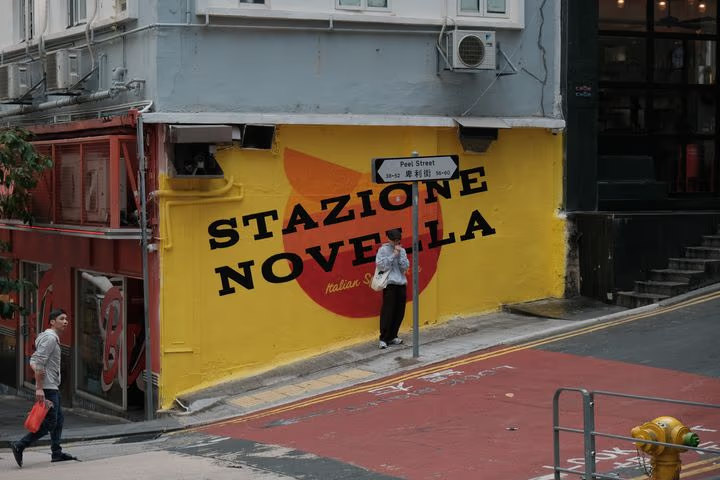
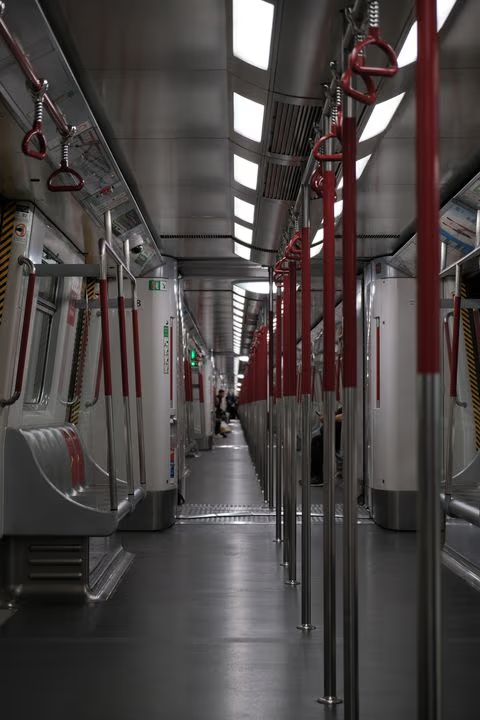
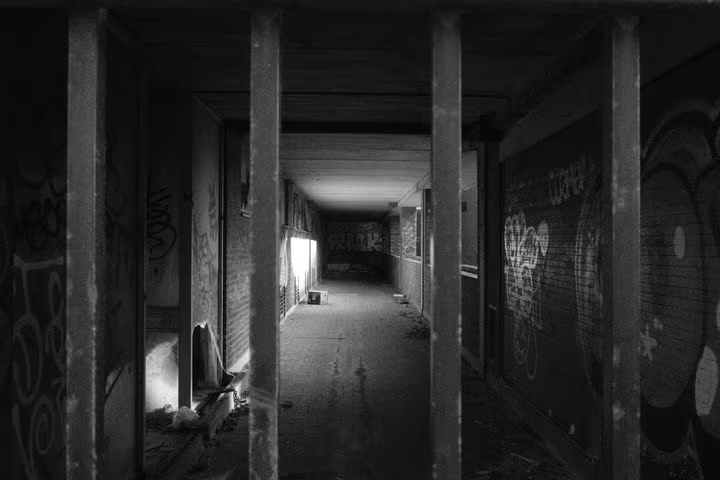
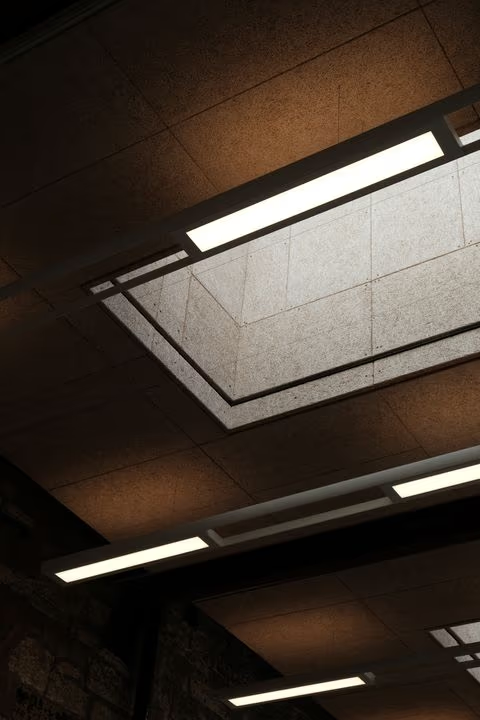
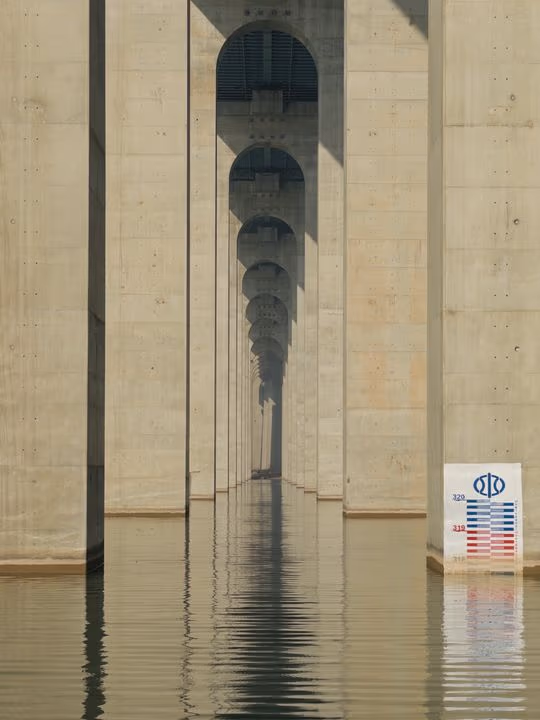
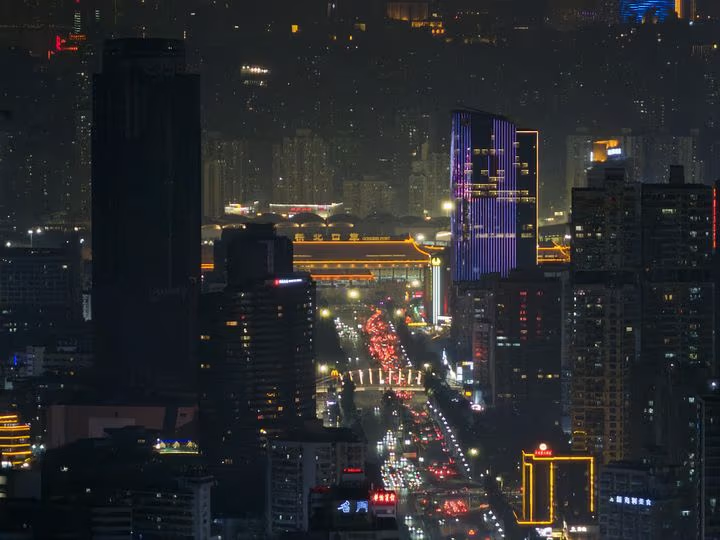
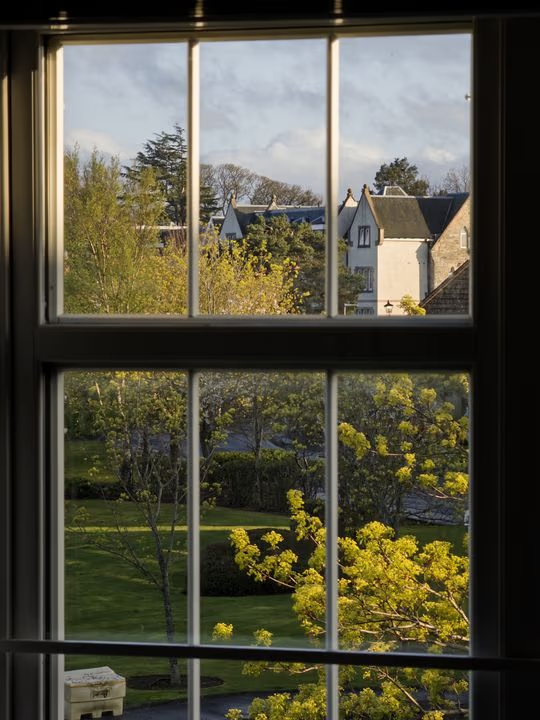
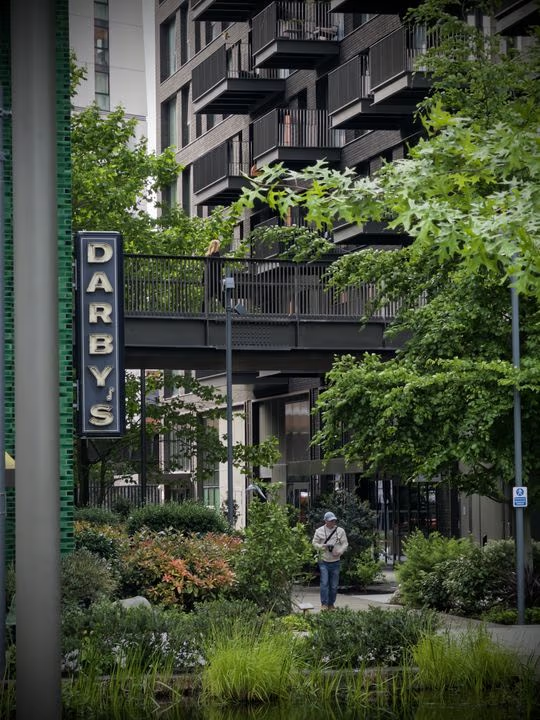

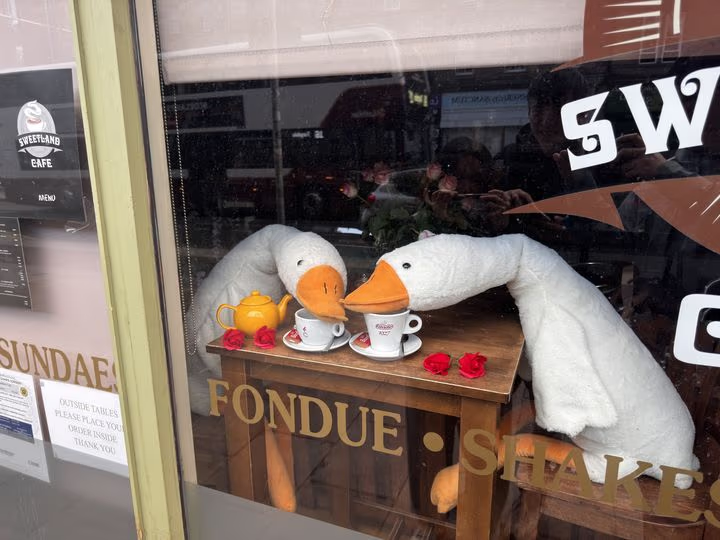
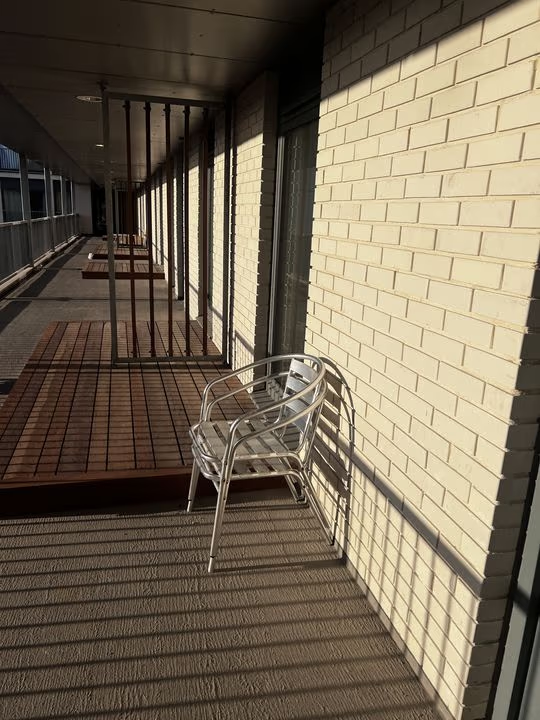
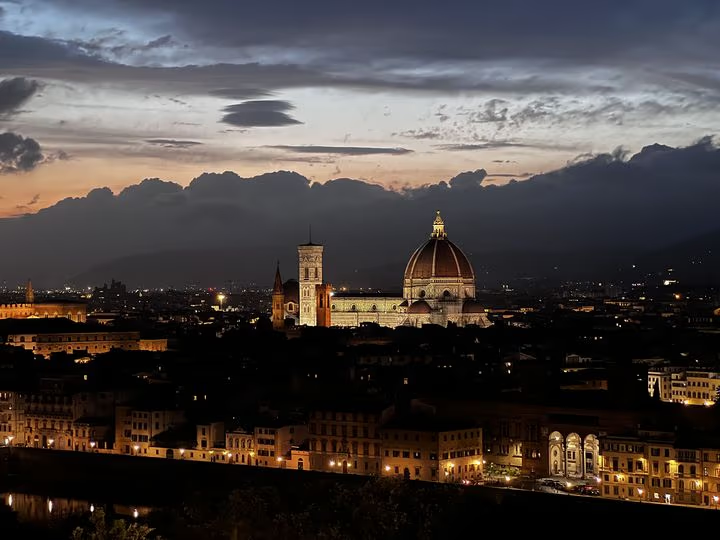
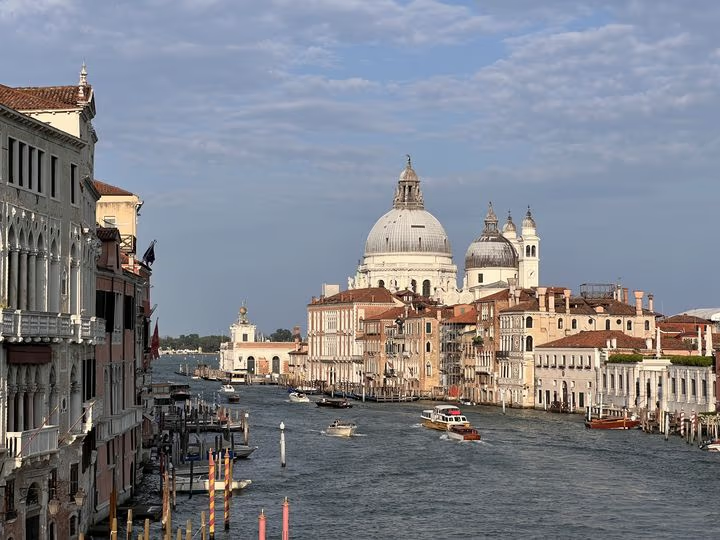
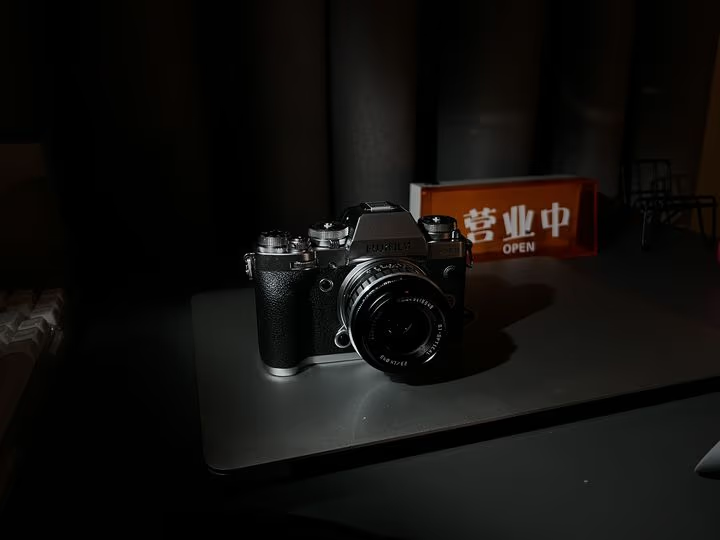
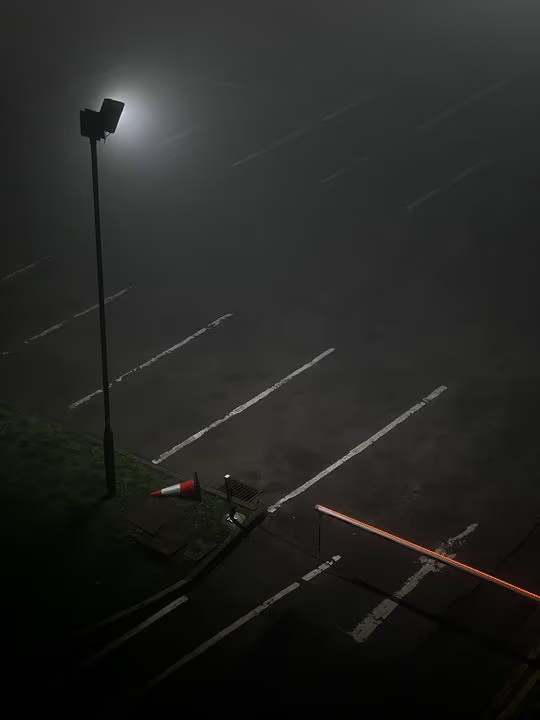
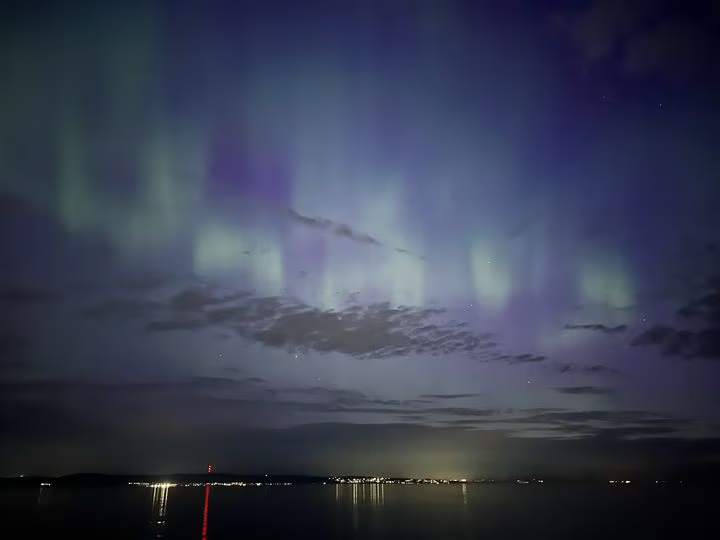
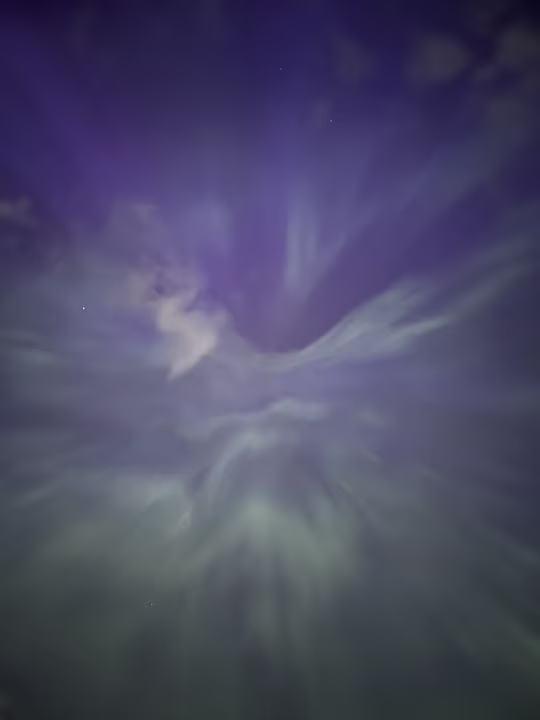
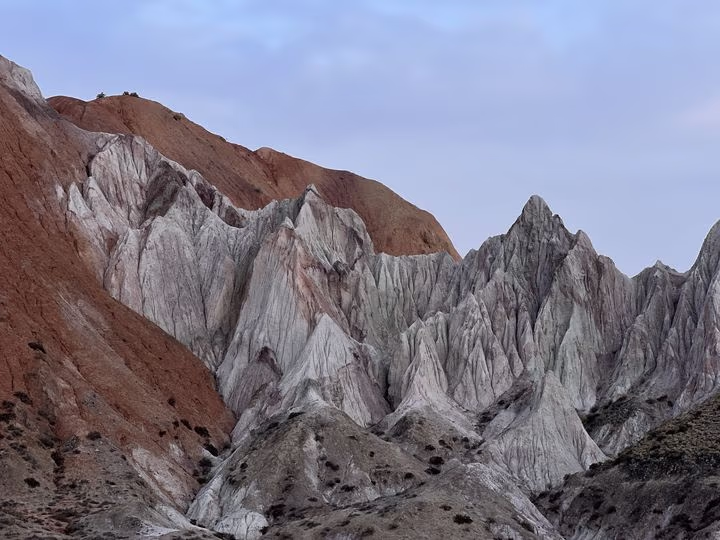
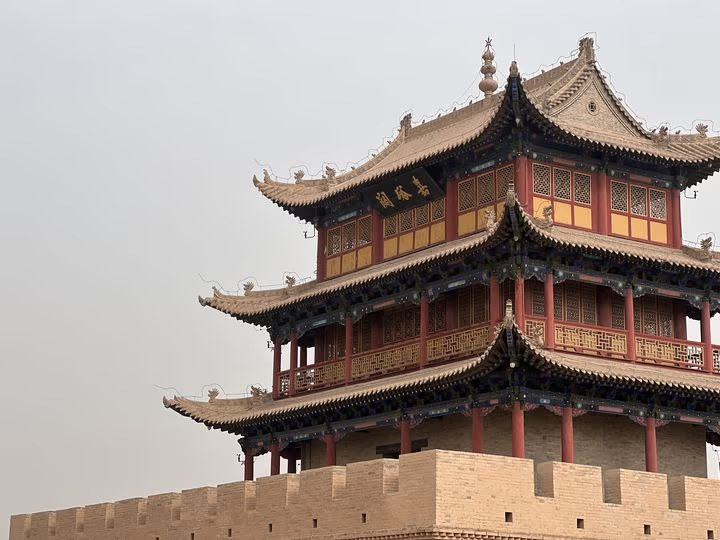
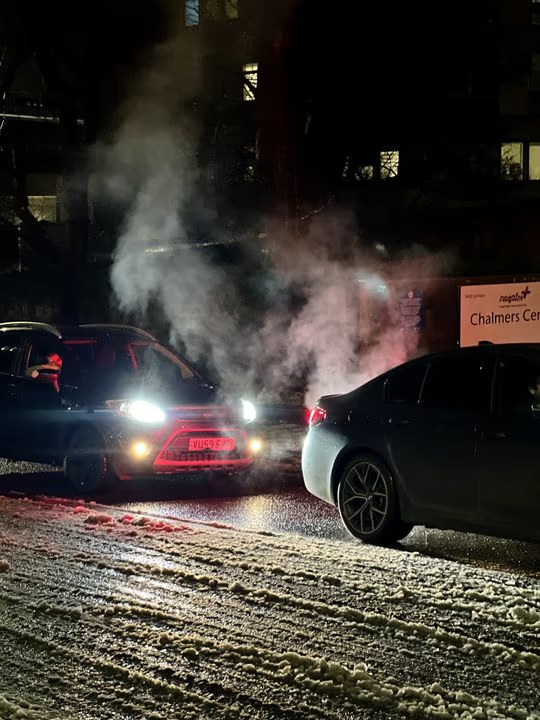
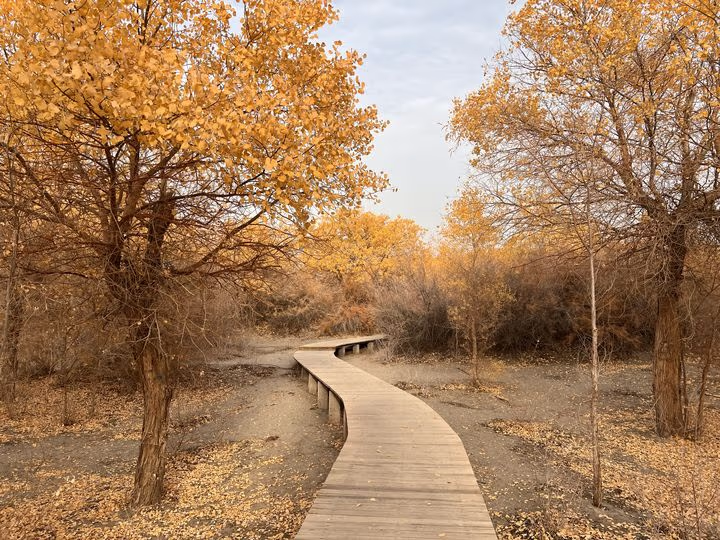
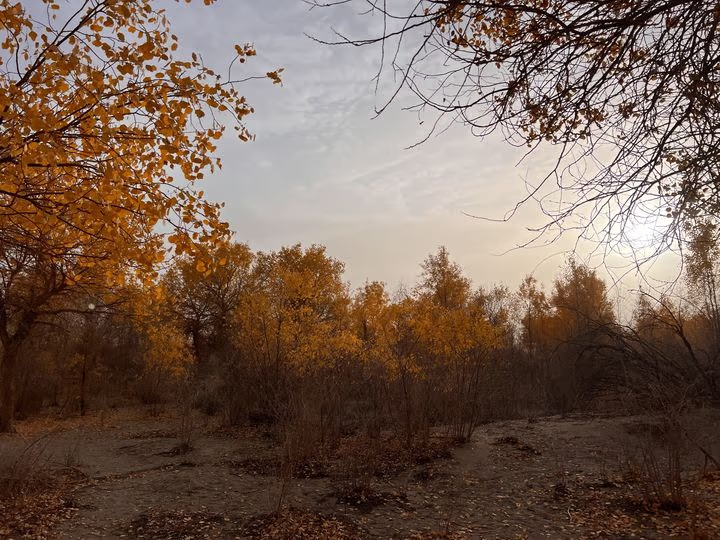
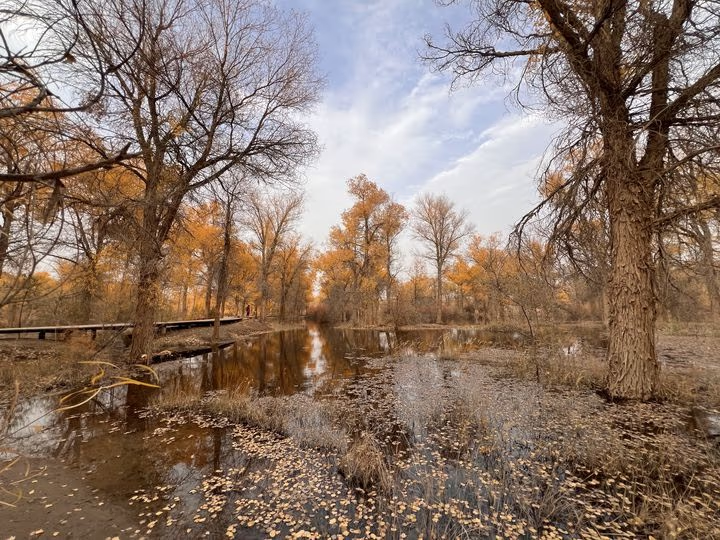
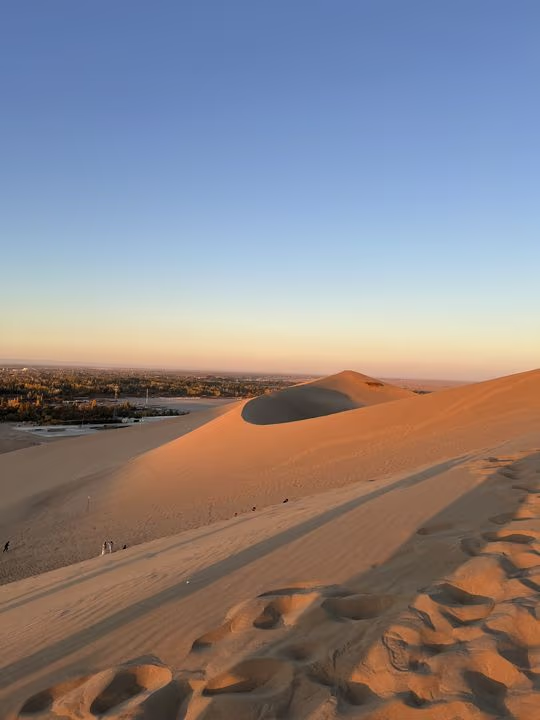
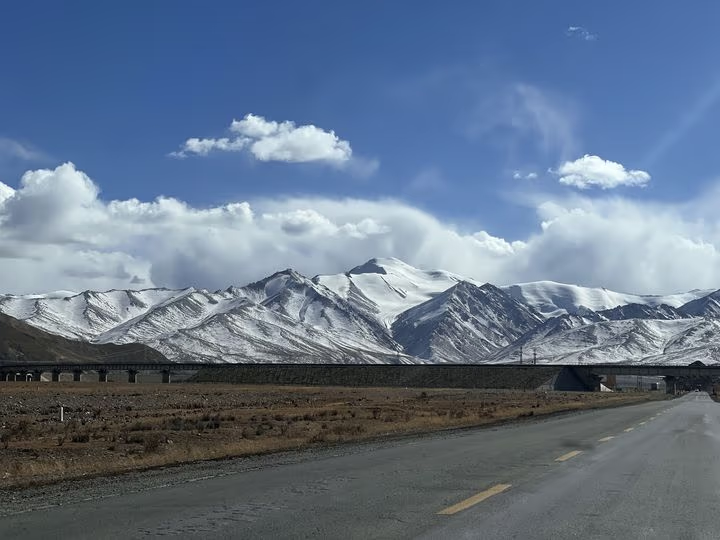
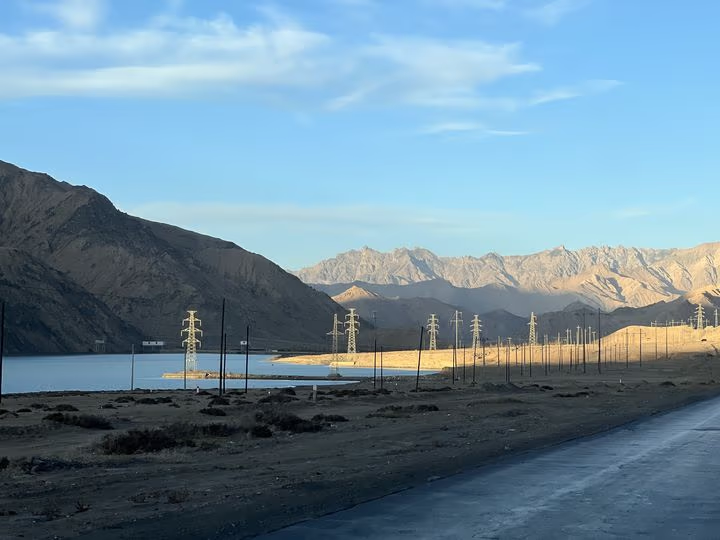


A number or a letter is all it takes to rate, sort, or flag a photo. RAW and JPEG pairs are recognised and shown as one. Your whole library, fast and clear.
Apply a preset to a whole batch, or copy one photo's adjustments to the rest. Tagging, sorting, and exporting work in batches too.
Develop


The histogram, the capture data, and the edit commands are always within reach.
The right-hand part of the histogram shows the range above SDR white, so you can see where HDR highlights fall.
Sections fold away and can be dragged into the order you work in.
Wheels for shadows, midtones, and highlights; HSL for single hues; RGB curves for each channel, and more room to play.
Set a ratio, crop freely, fix the angle.
Masks take gradients, brushes, and AI selections — layered, each under its own control, for more of what your photo can be.
Press ⌘K and type. The command palette finds and runs anything, in the library or in develop.

On XDR and EDR displays, Lucarne shows the full range of your photo — the light of a flame, the sun on water — as it really was.
White balance with a picker, tone and curves, HSL, three-way colour grading, vibrance, dehaze, texture, clarity… all on a professional, colour-managed pipeline built on how light really behaves.
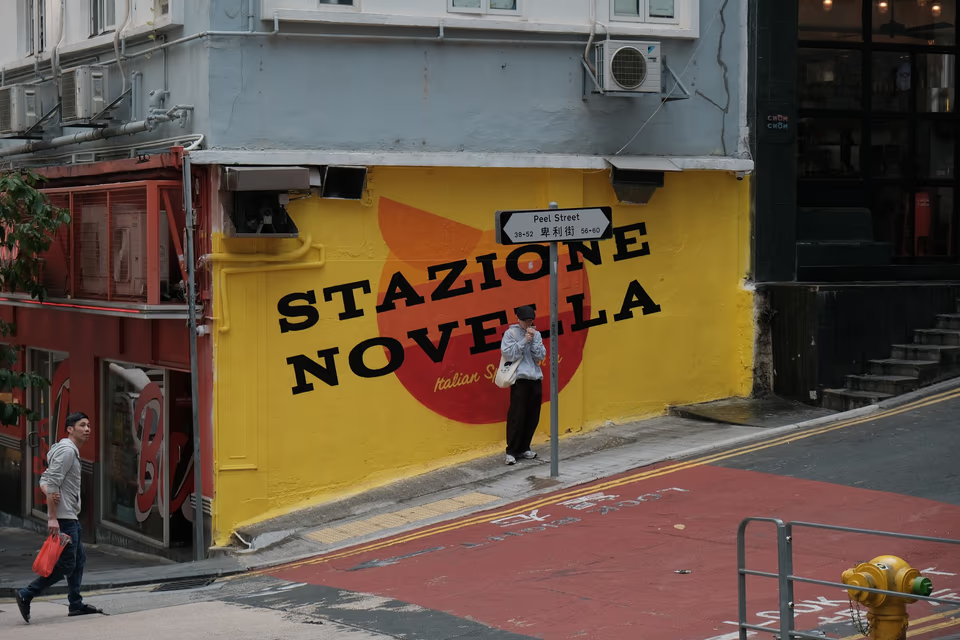
Twenty film stocks and eight print papers, built in, with halation and grain. Or bring the LUTs you already love.

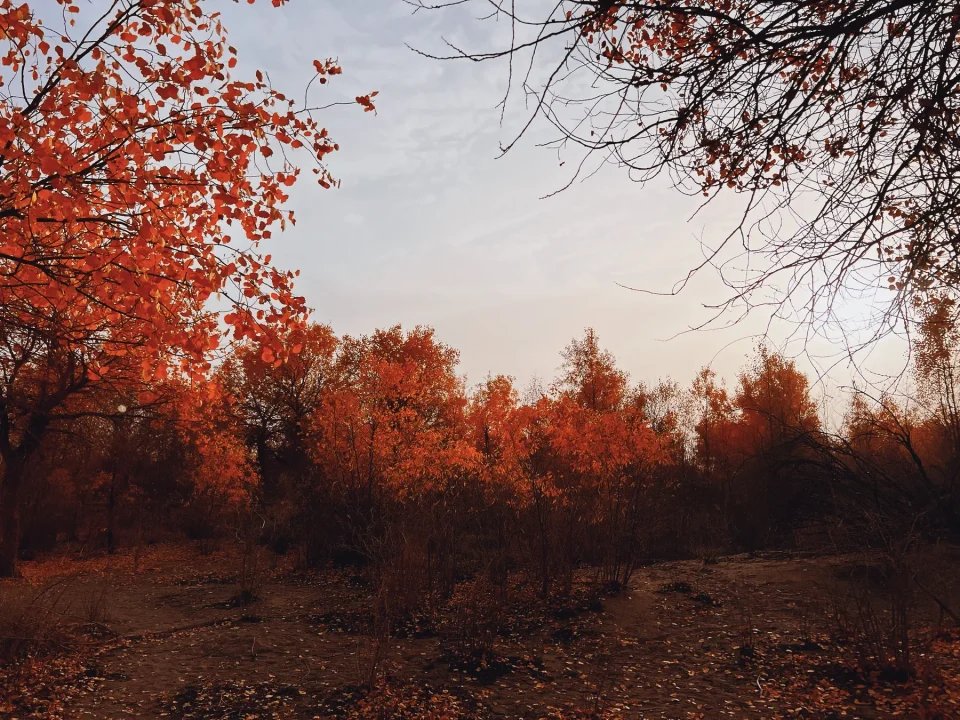
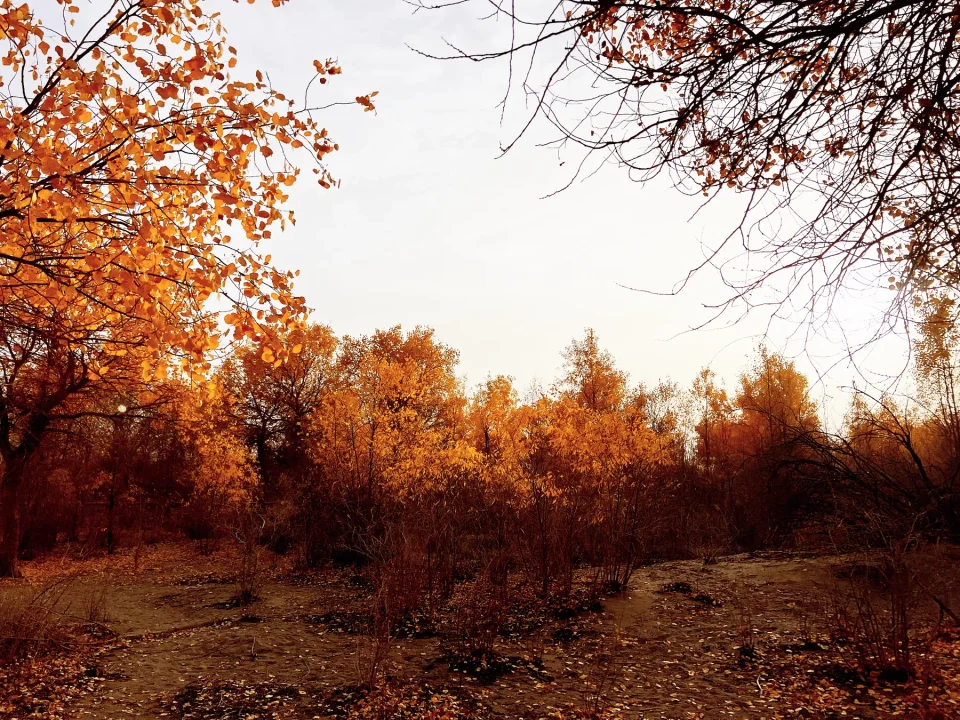
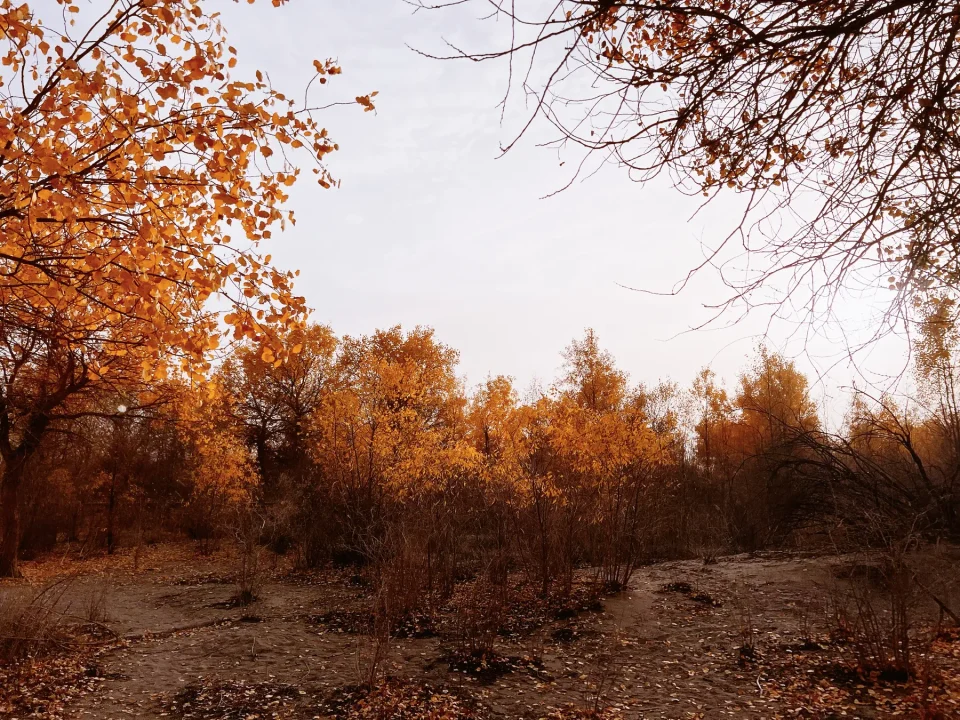
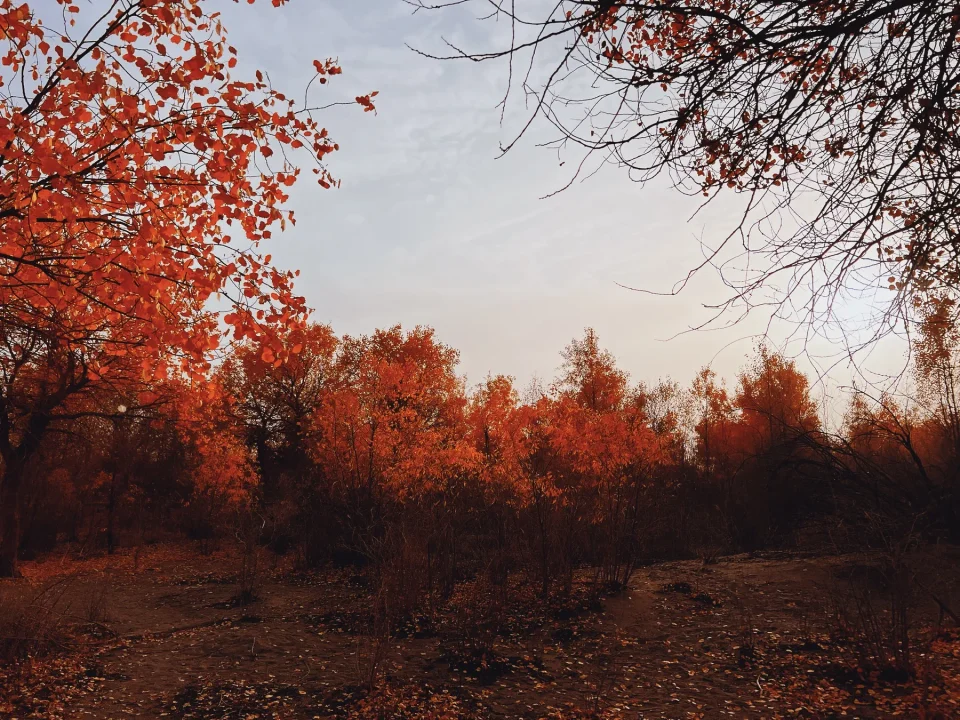
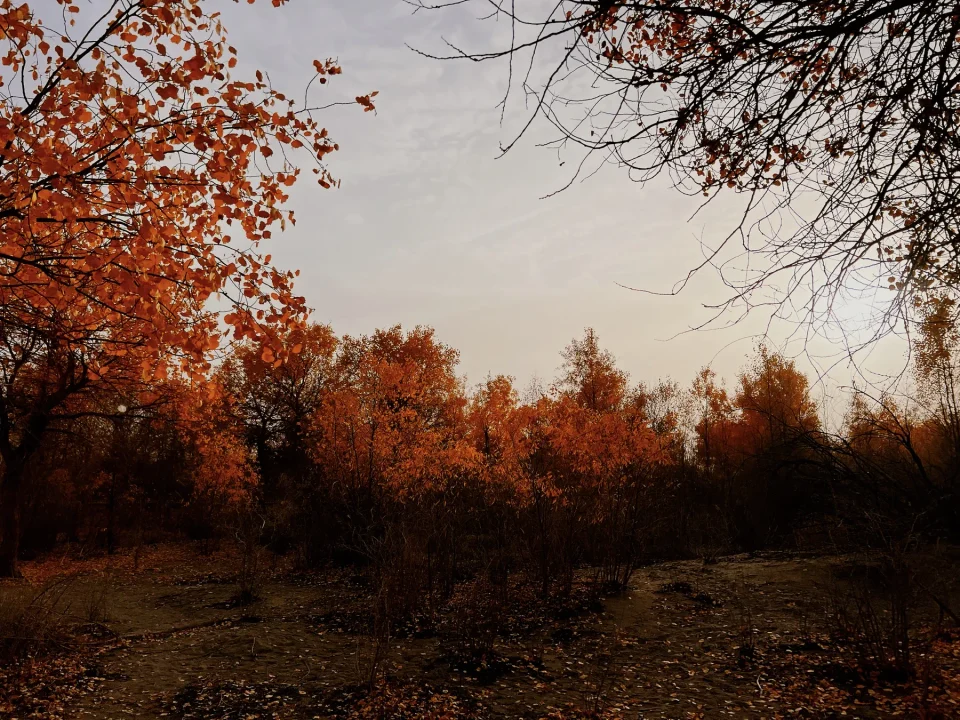
Correct perspective, crop and rotate — lens corrections included.
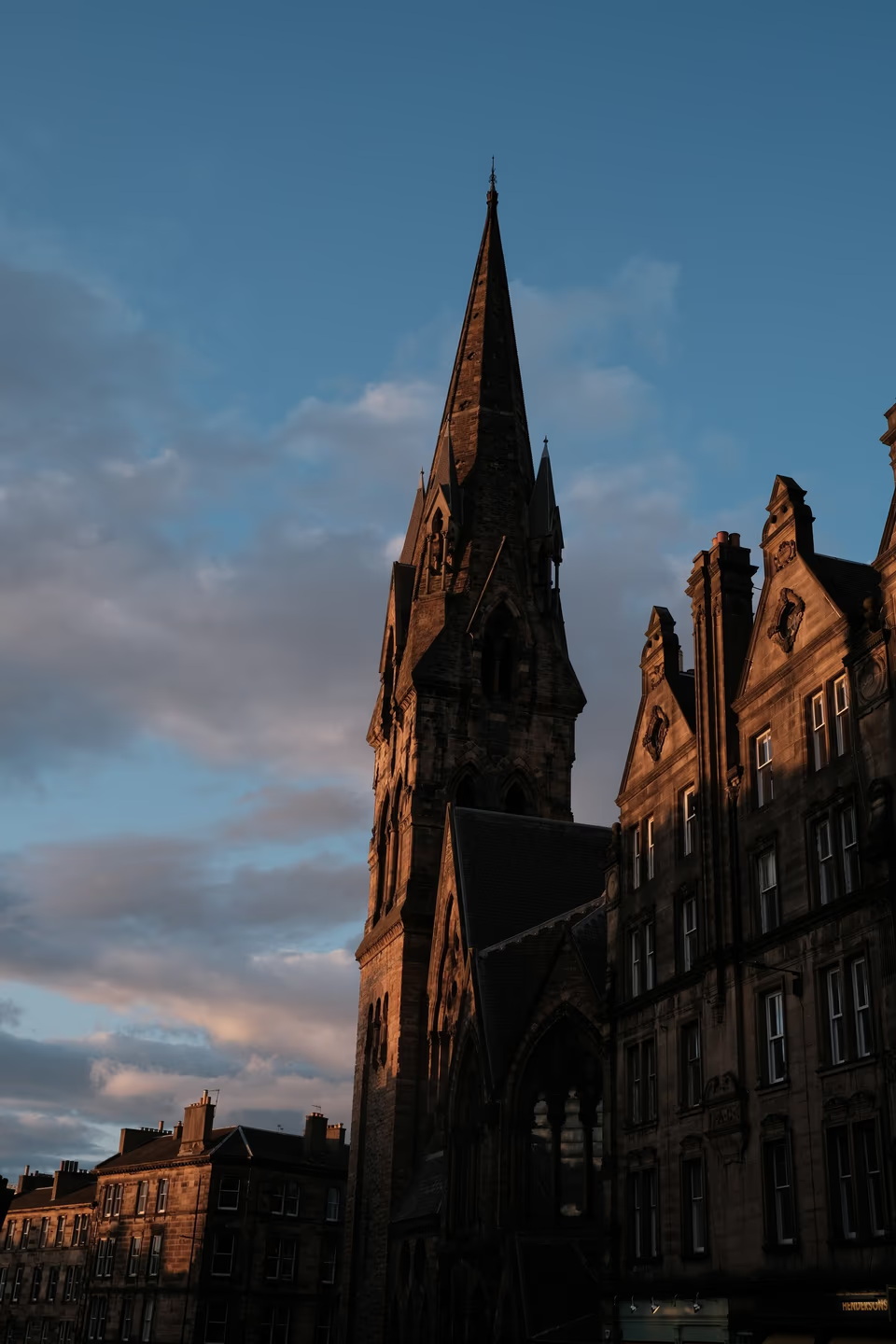
Every edit is a step you can go back to. Press \ to compare with the original; keep snapshots and virtual copies side by side.
Masks & local adjustments

Built-in AI, running on your Mac, finds skies, subjects, and people. Add gradients, an edge-aware brush, and colour or luminance ranges. Add and subtract, and every pixel is yours to control.
Heal and clone by hand, or just brush over the distraction. Poof.


When you pick a colour, paint a mask, or heal a spot, a loupe enlarges the pixels under your pointer. Right where you point.
AI on your Mac

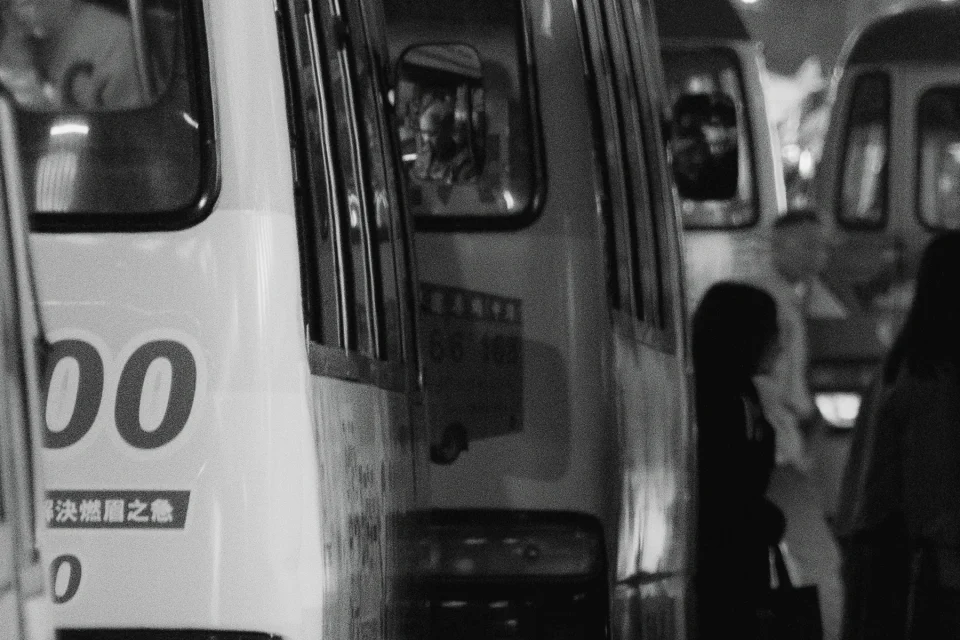
AI noise reduction keeps the detail of night and high-ISO photos.
Enlarge faithfully, or let a generative model add fine detail.
Privacy
Denoising, enlarging, removal, and smart selections run on Apple silicon — and so does every edit. Everything happens on your Mac; your photos and personal data are never uploaded.
Work with AI agents
Lucarne has a built-in MCP server. Connect Claude, ChatGPT, or any assistant that speaks MCP, and it imports, sorts, edits, and exports while you watch it happen live in the app. Pour a coffee and enjoy the show.
Go through yesterday's shoot. Reject the blurry ones, pick the best five, give them a warm film look, and export them for Instagram.
catalog_query214 photos from 29 Septemberimage_statisticsSharpness measured on every photoflag_set31 photos rejectededit_previewFive candidates previewed and comparedrating_set5 photos picked and ratedpreset_apply“Warm film” applied to the picksexport_startExported at 4:5 to Pictures/ExportsDone. Five photos are exported, and every change is in their history if you want to undo any of it.
Previews and image statistics let an assistant check an edit, as you would, before anything is saved.
Each change it makes is a step of its own in the history, undone like any other. A read-only mode, exports only into folders you allow, and no way to remove photos.
The app, the command line, and the MCP server all use the same API. Script your own workflow, or connect any assistant.
lucarne mcp --catalog Photos.lucarnecatalog \
  --export-root ~/Pictures/Exports
Made for the Mac
Built for Apple silicon with Metal. Liquid Glass, light and dark themes, and a backdrop brightness you choose.
In English, 简体中文, and 日本語 for now, with more languages on the way.
Frames
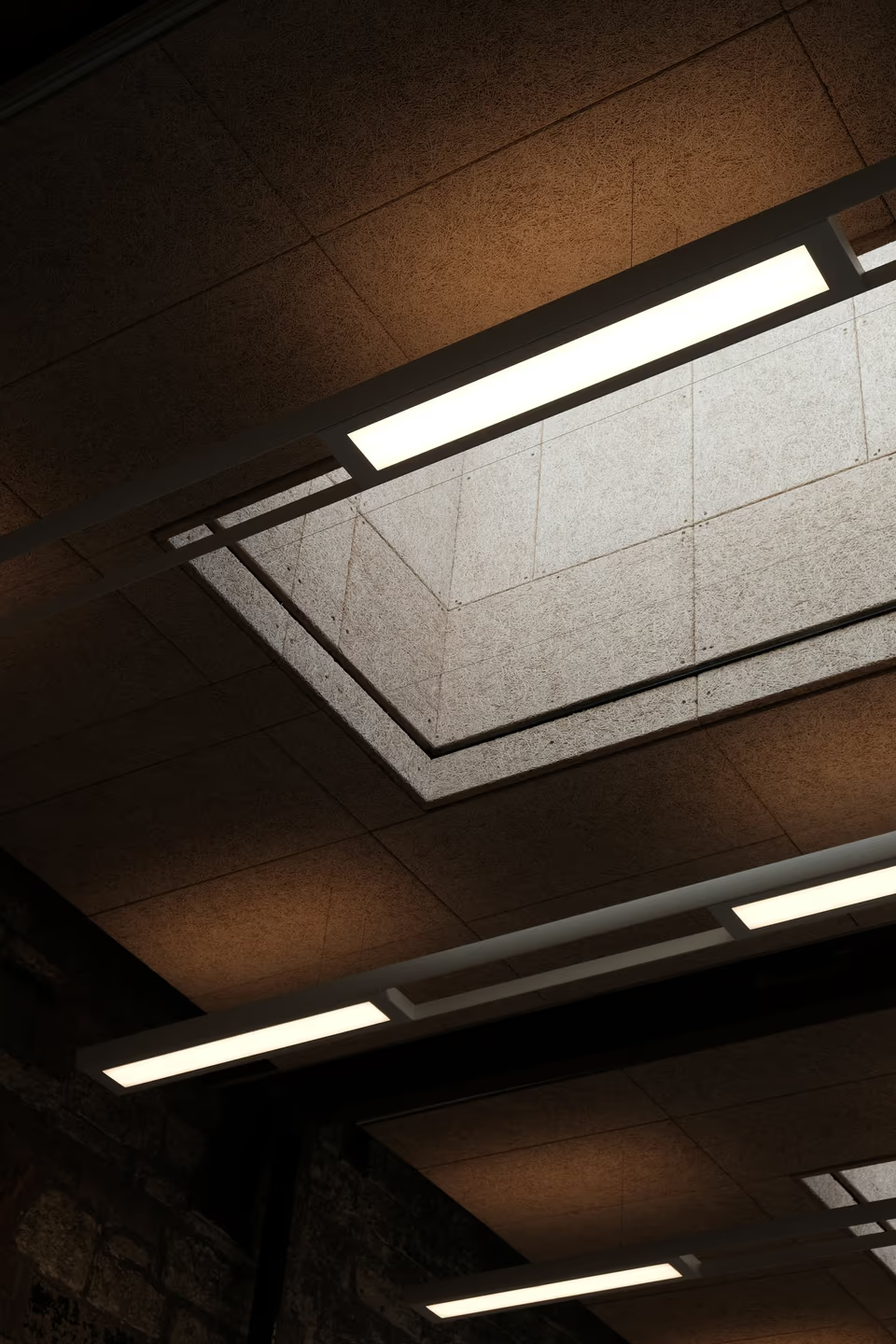
Black or white, a band or a border, as you like. Every setting in plain sight.

Everything
The beta has every feature in place, and it keeps improving with your feedback. When a new version is out, the app lets you know.
macOS 26 · Apple silicon


